Cloud vs. Desktop Jewelry POS: The 2026 Decision Guide
The Edge charges $4,600 upfront for desktop software that requires Windows. Cloud systems cost less, update automatically, and work from any device. Here’s the full comparison.
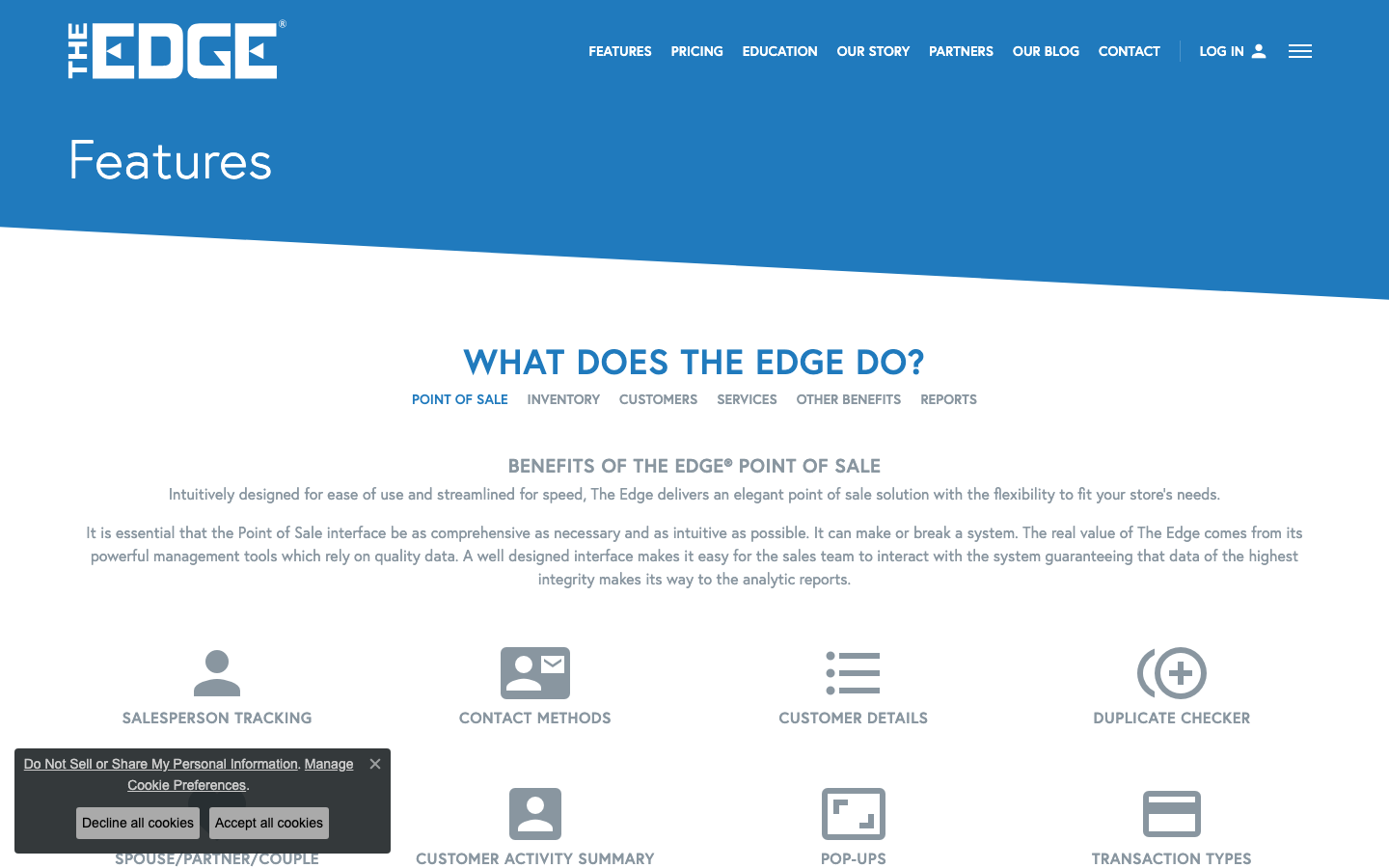
The jewelry industry has a desktop software problem. Thousands of independent retailers still run their businesses on locally installed Windows applications -- software that requires a dedicated server in the back office, manual backups, IT support for updates, and zero access from a phone or tablet on the sales floor. The most prominent example is The Edge, which has been the dominant jewelry POS for over two decades. It works. It's also a product of a different era, and the costs of staying on desktop are compounding every year.
The Real Cost of Desktop
The Edge's pricing tells the story. A single-station license starts at $4,600 upfront. A three-station setup with enhanced features runs $12,450. After the first year, you pay 20% of your license cost annually for updates and support -- that's $920 to $2,490 per year, every year, for software that still runs on a Windows machine in your store. Need to migrate your data from another system? That's a $2,250 data conversion fee. Training is mandatory: 3-4 days of remote sessions before you can go live. None of this is hidden. It's published on their website. But when you add it up -- license, annual renewal, data conversion, training, plus the Windows hardware and IT support -- the first-year cost for a typical store exceeds $10,000 before you sell a single ring.
What Cloud Actually Means
Cloud POS is not just "the same software in a browser." It's a fundamentally different architecture. Your data lives in secure, redundant data centers -- not on a hard drive under your desk. Updates happen automatically, overnight, with no IT intervention. You access the system from any device with a browser: the desktop at your register, a tablet on the sales floor, your phone at a trade show, your laptop at home. If your store loses power, your data is still safe. If you open a second location, it's connected in real time from day one. There is no server to maintain, no backup drive to manage, no Windows dependency.
The Feature Gap Has Closed
Five years ago, desktop loyalists had a legitimate argument: cloud jewelry software was immature. It lacked the deep, jewelry-specific features that The Edge and similar legacy systems had built over decades -- memo tracking, repair workflows, serialized inventory, certificate management. That gap has closed. Modern cloud platforms handle memo and consignment natively, manage repairs from intake to pickup, and capture structured GIA and IGI certificate data -- with RFID inventory scanning and real-time metal pricing on the roadmap. The feature parity argument is over. The remaining question is whether you want those features locked to a Windows machine or available everywhere.
Multi-Location and Mobile
Desktop POS was designed for a single store with a single server. Multi-location support is an afterthought -- typically involving VPN tunnels, remote desktop sessions, or nightly data syncs between stores. None of these approaches give you real-time visibility across locations. Cloud systems handle multi-location natively. Inventory levels, customer profiles, sales data, and reporting roll up across every store in real time. A customer who bought at your downtown location shows their full history when they walk into your suburban store. A piece transferred between locations updates instantly. This isn't a premium add-on. It's how cloud architecture works by default.
Mobile access changes the sales floor. When your team can pull up inventory, customer wishlists, and product images on a tablet while standing next to the customer, the dynamic shifts. No more walking to the back to "check the computer." No more writing down information to enter later. The POS goes where the salesperson goes. Desktop software cannot do this without clunky remote desktop apps that barely function on mobile devices.
The Migration Fear
Here's the elephant in the room: jewelers are terrified of switching. Twenty years of customer data, inventory records, repair history, vendor relationships, and sales transactions live in the old system. The fear of losing data or suffering weeks of downtime during migration keeps stores on outdated software far longer than they should stay. It's a rational fear, but it's based on outdated assumptions. Modern platforms handle migration as a managed service. Your data is exported, mapped, cleaned, and imported by the vendor's team -- not by you. You verify the results before cutover. The old system stays running until you confirm everything transferred correctly. Downtime is measured in hours, not weeks. Some platforms offer zero-downtime migration where both systems run in parallel during the transition.
Making the Decision
The calculus is straightforward. Desktop POS costs more upfront, costs more to maintain, limits where and how you work, and creates ongoing IT liability. Cloud POS costs less, updates itself, works from any device, and scales with your business. The feature gap that once justified staying on desktop has closed. The migration risk that once made switching dangerous has been solved. If you're still running a Windows-only jewelry POS in 2026, the question isn't whether to switch. It's how much longer you can afford not to.